Why Your WordPress Site Is Costing You Customers (and How to Fix It)
Is your WordPress site slow or not bringing in calls? Seven warning signs, what usually causes them, and how to decide between fixing and rebuilding.
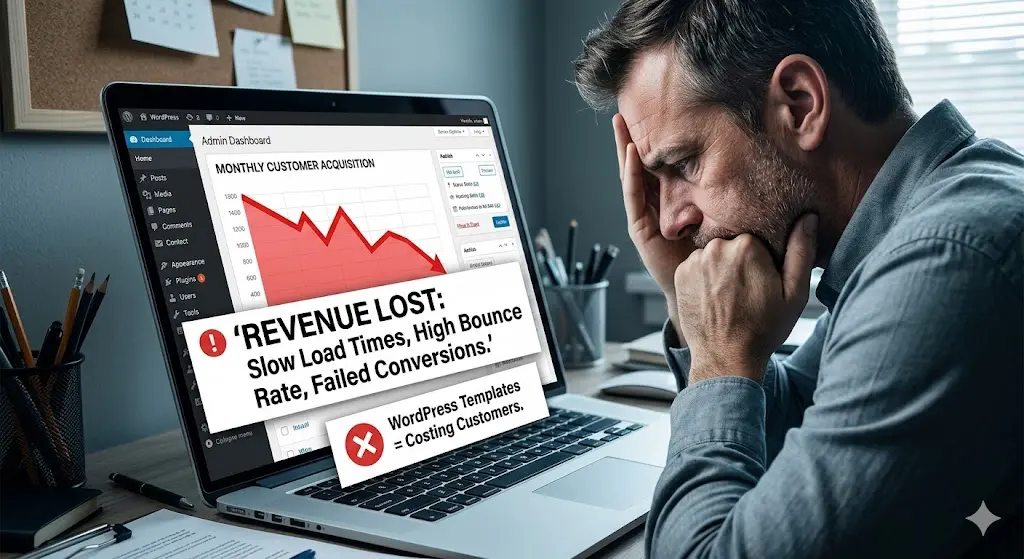
A lot of contractors and service businesses around South Bend, Mishawaka, and Elkhart have a WordPress website that was built a few years ago, looked fine at launch, and has slowly become a problem nobody wants to deal with.
It still exists. But it might be quietly costing you calls every week.
This isn’t an anti-WordPress rant. WordPress can be a solid platform when it’s well built and well maintained. The trouble is that many small-business WordPress sites are neither. Here are the warning signs, what’s usually behind them, and how to decide whether to fix your site or replace it.
7 signs your website is costing you customers
- It takes more than a few seconds to load on your phone. Try it on cellular data, not your office Wi-Fi.
- Your phone number isn’t tappable, or it’s buried in the footer.
- You’re afraid to click “Update.” The last time you did, something broke.
- You’re paying for plugins you don’t understand, or you’ve gotten renewal invoices for things you didn’t know you had.
- Your services have changed, but your site hasn’t. Old services, old photos, old hours.
- Customers say “I couldn’t find…” on your site — pricing info, your service area, how to request a quote.
- It doesn’t bring in leads. Your website should be one of your best salespeople. If you can’t remember the last call that came from it, something is wrong.
What’s usually behind the problems
Plugin pile-up
WordPress sites grow by adding plugins: one for forms, one for SEO, one for sliders, one for caching, one to fix a conflict between two other plugins. Each one adds code visitors have to download, another thing to update, and another possible security hole.
Heavy themes and page builders
Many themes and drag-and-drop page builders load large amounts of code on every page, even for features you don’t use. It’s one of the most common reasons WordPress sites score poorly on Google’s Core Web Vitals on mobile.
Deferred maintenance
When updates feel risky, they get skipped. Skipped updates are the most common way small-business sites get hacked. (More on that in website security for South Bend businesses.)
A design built for looks, not calls
Many sites were designed to look impressive on a desktop monitor in a meeting. Your customers are on phones, often in a hurry, and they want three things: Do you do what I need? Do you come to my area? How do I contact you?
Fix it or rebuild it?
Not every struggling site needs to be replaced. Here’s how I’d think about it.
Fixing is probably enough if:
- The site is reasonably modern and the design still fits your brand
- Slowness is mostly from large images or a few unnecessary plugins
- You have someone reliable to keep it updated
Quick wins include compressing images, removing unused plugins, adding a tap-to-call button, and updating your service pages.
Rebuilding usually makes more sense if:
- The theme or page builder itself is the cause of the slowness
- Updates regularly break things
- Your services, branding, or market have changed significantly
- You’re spending more each year patching the site than a rebuild would cost
What a rebuild looks like with Michiana Dev
When I rebuild a site, I start with how your customers actually choose a contractor, then build around it:
- Fast, custom-coded pages built with Astro and React. No plugin stack and no bloated theme.
- A page for each core service and the areas you serve, structured for local search
- Tap-to-call and short quote forms everywhere they belong
- Existing URLs preserved or redirected, so you don’t lose the rankings you’ve already earned
- Ongoing care on a $100/month hosting and maintenance plan that includes SSL, backups, and an hour of content updates every month. No more “Update” button anxiety.
| Typical aging WordPress site | Rebuilt custom site | |
|---|---|---|
| Mobile speed | Often slow | Fast by design |
| Plugins to maintain | Many | None |
| Content updates | DIY, or wait for a freelancer | Included monthly |
| Built for calls | Sometimes | Always |
Frequently asked questions
Will I lose my Google rankings if I leave WordPress?
Not if the move is done carefully. Keeping your URL structure (or setting up proper redirects), carrying over your best content, and resubmitting your sitemap protects the rankings you’ve built.
Can you just fix my existing WordPress site?
Sometimes that’s the right answer. I’ll tell you honestly if a cleanup will get you most of the way there instead of recommending a full rebuild.
How long does a rebuild take?
Most small-business websites take about 2–4 weeks from kickoff to launch, depending on the number of pages and how quickly content comes together.
If your website feels like more of a liability than an asset, let’s talk it through. You can see pricing and what’s included, or browse the portfolio. Start with a free consultation — whether the answer is a cleanup or a fresh build.