The Headless Advantage: Why South Bend Businesses Are Rethinking Website Security
How small-business websites get hacked, and how a headless or static website reduces the risk. A plain-English security guide for Michiana businesses.
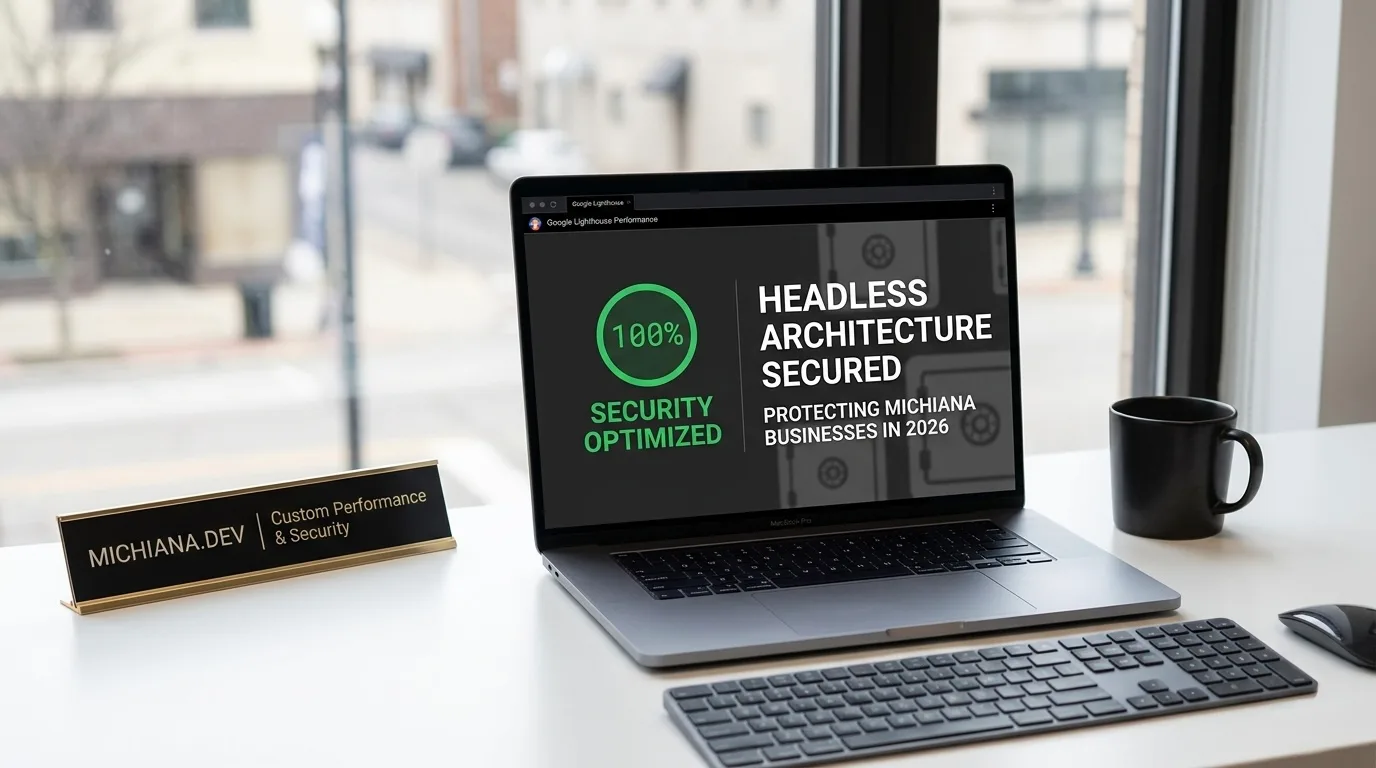
Most small-business owners in South Bend, Mishawaka, and Elkhart lock the shop at night and wouldn’t dream of leaving the office alarm off. But plenty of local business websites are running outdated software that automated bots scan for around the clock.
Nobody is personally targeting your HVAC company’s website. That’s the point: they don’t have to. Bots crawl the web looking for known weaknesses in common platforms, and small sites that haven’t been updated are easy wins. A hacked site can redirect your visitors to spam, get flagged by Google with a warning screen, or quietly send your contact-form leads somewhere else.
Here’s how that usually happens — and why a “headless” or static website removes most of the risk.
How small-business websites actually get hacked
Most compromised small-business sites aren’t the result of a sophisticated attack. The usual causes are much more ordinary:
- Outdated plugins or themes with publicly known vulnerabilities
- Weak or reused admin passwords on a login page anyone can find
- Abandoned plugins that no longer receive security fixes
- Shared hosting where a problem on one site can affect others
Nearly all of these come from the same design: a traditional, “monolithic” website.
What “monolithic” means
On a traditional platform like WordPress, the public website, the admin dashboard, the plugins, and the database all run together on the same server. Every time someone visits a page, the server runs code and queries the database to build it.
That’s convenient, but it means the public site is directly connected to everything behind it. A vulnerability in one contact-form plugin can become a path into the whole system.
What “headless” and static mean
A headless website separates the part visitors see (the “head”) from where content is managed. The sites I build go one step further: pages are compiled into static files ahead of time, then served as-is.
In practice, that means:
- No database behind the public site. There’s nothing to inject malicious code into.
- No admin login on the public site. There’s no login page for bots to try passwords against.
- No plugin ecosystem. There’s no third-party code that needs weekly security patches.
- Forms go to a separate, managed service rather than a plugin on your server.
No website is “unhackable,” and anyone who promises that is overselling. But removing the database, the public login, and the plugin stack eliminates the causes behind most small-business site compromises.
The side benefits: speed and reliability
The same design that makes a static site safer also makes it faster. Because pages are already built, there’s no waiting on a server to put them together for each visitor. That improves loading speed — which Google measures as part of its Core Web Vitals — and it means a traffic spike after a big storm won’t slow your site down right when customers need you.
It also makes recovery simple. Every version of the site is saved, so if something ever goes wrong, rolling back takes minutes.
What about my customer data?
A marketing website shouldn’t be storing sensitive customer data in the first place. The main thing your site collects is contact-form submissions, and those should be delivered to your inbox or CRM through a secure form service, not kept in a database attached to your public website.
If your business needs a real application — customer accounts, scheduling, or an internal dashboard — that’s a separate piece of custom software, built with proper authentication, access controls, and a secured database from the start.
A quick security checklist for your current site
If you’re not ready to rebuild, check these today:
- Update everything — core platform, theme, and every plugin.
- Delete plugins you don’t use. Deactivated plugins can still be a risk.
- Use a strong, unique admin password and turn on two-factor authentication.
- Confirm your site uses HTTPS (a padlock in the address bar).
- Make sure backups exist — and that someone knows how to restore them.
Frequently asked questions
Is WordPress insecure?
WordPress core is actively maintained and reasonably secure when it’s kept up to date. The risk comes from outdated plugins, themes, and passwords. Security is an ongoing chore on WordPress; on a static site, much of that chore goes away.
Can I still update my content on a headless site?
Yes. Content can be managed through a simple editor or by your developer. On my hosting and maintenance plan, minor text and photo updates are included every month.
Will switching to a static site hurt my SEO?
Not if the move is planned carefully. Keep or redirect your existing URLs and carry over your content. Most businesses see their search visibility improve because the new site is faster.
Worried about your current website? I’m happy to take a look and tell you honestly whether it needs fixing or rebuilding. You can see my recent projects first. Get in touch.